
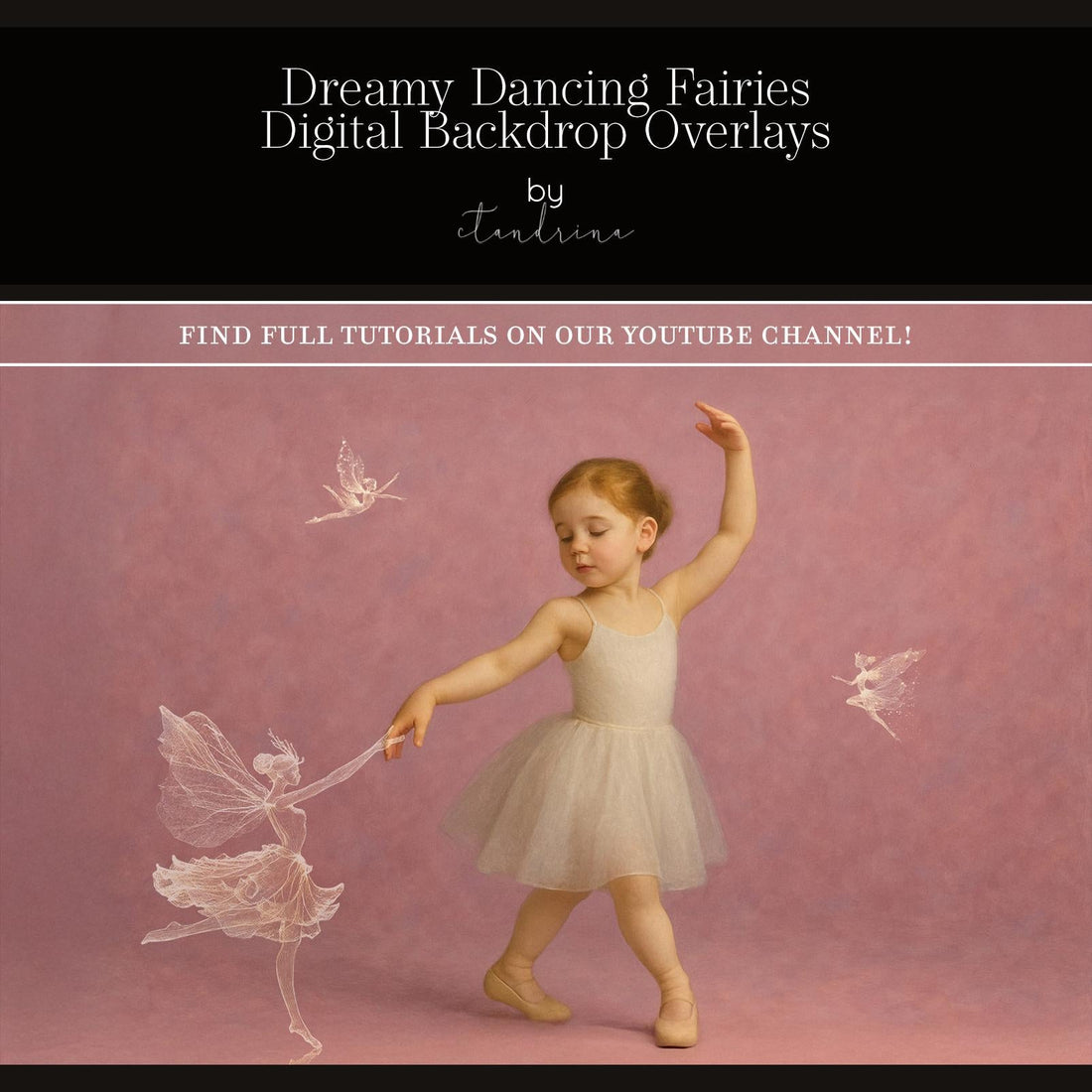
Photography isn’t just about capturing reality — it’s also about creating worlds that ignite imagination. With the Dreamy Dancing Fairy Digital Backdrop, you can instantly transform portraits into whimsical works of fantasy art. Whether you’re a professional photographer or a creative hobbyist, this digital backdrop offers endless ways to bring magic, wonder, and storytelling into your edits.
What Is the Dreamy Dancing Fairy Digital Backdrop?
This high-resolution backdrop is designed to give your portraits a magical, enchanted atmosphere. Featuring soft, whimsical tones and fairy-like elements, it provides the perfect foundation for creating scenes that look like they’re straight out of a storybook.
Why Use a Fairy Digital Backdrop?
-
Instant fantasy: Turn any standard portrait into a dreamy fairyland.
-
Perfect for children & family sessions: Parents love magical edits that delight kids.
-
Flexible creativity: Works with portraits, composites, and fine art photography.
-
No studio set needed: Save time and money by creating the scene digitally.
How to Use the Fairy Backdrop in Photoshop:
-
Import your subject photo.
-
Add the Dreamy Dancing Fairy Digital Backdrop behind your subject.
-
Mask out any unwanted areas for a seamless blend.
-
Apply light overlays, sparkles, or glow effects to enhance the scene.
-
Adjust color grading for harmony between subject and backdrop.
Creative Ideas:
-
Children’s portraits: Transform little ones into fairies, elves, or woodland characters.
-
Maternity shoots: Add a touch of magic to outdoor or studio sessions.
-
Fantasy composites: Combine with light ray or sparkle overlays for a full enchanted look.
-
Storytelling sessions: Perfect for themed mini sessions in portrait studios.
Tips for Best Results:
-
Match lighting direction between your subject and the backdrop.
-
Add fairy wings overlays for extra charm.
-
Use soft brushes when masking for natural blending.
-
Experiment with different color tones (warm vs cool) for mood variations.
With this backdrop, your photography can instantly become whimsical, magical, and unforgettable.